In today’s interconnected world, a reliable webcam is no longer a luxury but a necessity for work, education, and staying connected with loved ones. Whether you’re joining a virtual classroom, participating in remote meetings, or simply catching up with family, the right camera can make all the difference. This comprehensive guide delves into the Logitech C270 HD Webcam, a popular and budget-friendly choice, exploring its features, performance, and why it might be the perfect fit for your everyday video needs.
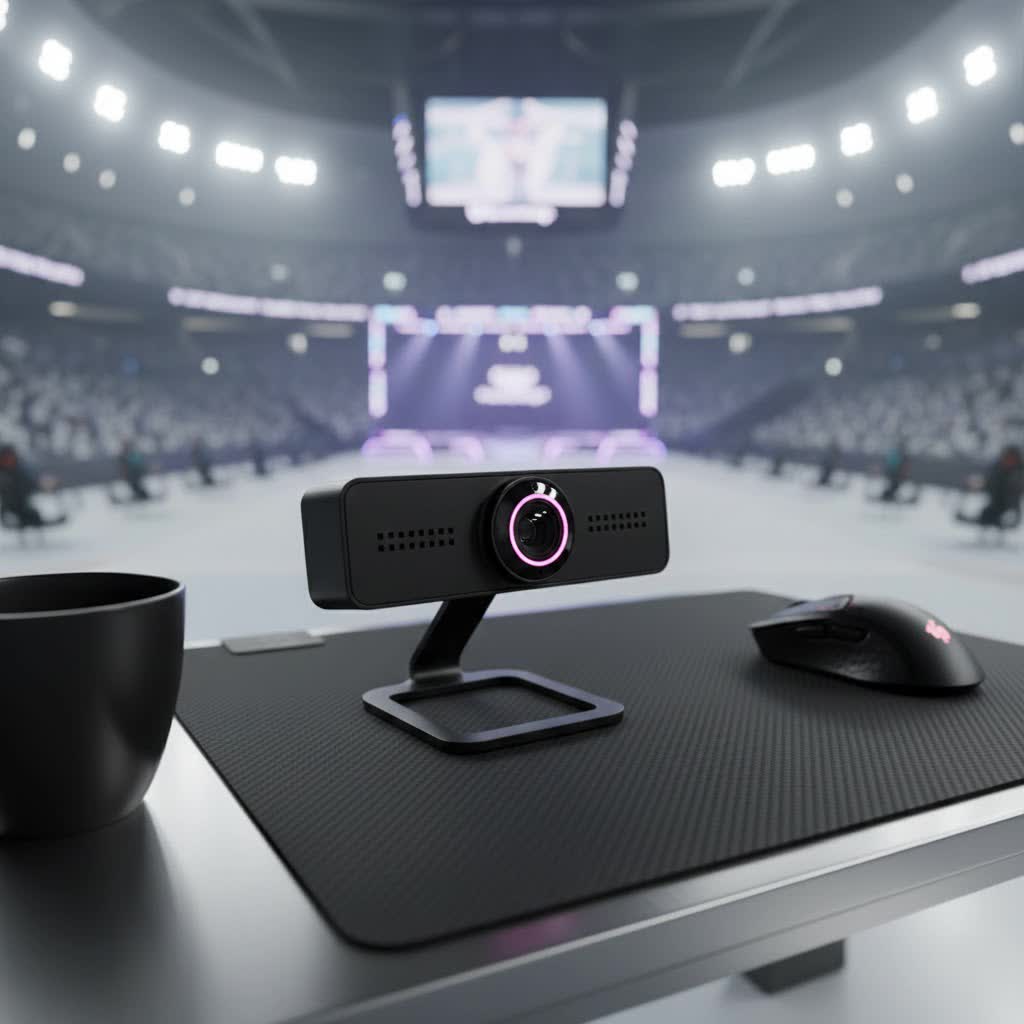
Understanding Computer Webcams: Why They Matter
A computer webcam is a digital camera that captures images and videos, transmitting them in real-time over a computer network. While many laptops come with integrated webcams, external USB webcams like the Logitech C270 offer enhanced flexibility, often superior image quality, and better audio for a more engaging online experience. For hybrid learning, online consultations, or simply regular video calls, a dedicated webcam ensures you present clearly and professionally. Investing in a quality webcam means clearer visuals and audibility, making communication smoother and more effective, no matter your activity.
Exploring Common Computer Webcam Types
The webcam market offers a variety of options, catering to diverse needs and budgets. Understanding the fundamental types helps in appreciating where the Logitech C270 fits:
- Integrated Laptop Webcams: Built directly into your laptop screen, these are convenient but often offer basic resolutions (e.g., 720p) and modest image quality, especially in challenging lighting.
- External USB Webcams: These standalone devices connect via a USB port, providing greater flexibility in placement and often superior optics, sensors, and microphones. The Logitech C270 falls into this category, designed for ease of use and portability.
- Specialized Streaming Webcams: Higher-end models, often with 1080p or 4K resolution, advanced autofocus, wider fields of view, and stereo microphones, are tailored for content creators, serious streamers, and professionals requiring the utmost in video and audio fidelity.
The Logitech C270 positions itself as an excellent entry-level external USB webcam, offering a significant upgrade over many integrated laptop cameras without the premium price tag of more specialized streaming units.
Key Considerations When Choosing a Computer Webcam
Selecting the ideal webcam involves balancing features with your specific requirements. Here’s how the Logitech C270 measures up against crucial factors:
Resolution: 720p HD – Is It Enough?
|
Our Picks for the Best Computer Webcam in 2026
As an Amazon Associate I earn from qualifying purchases.
|
||
| Num | Product | Action |
|---|---|---|
| 1 | TRAUSI 1080P Webcam with Active Light Correction, Privacy Cover, Plug and Play USB Webcam for PC/Desktop/Laptop |

|
| 2 | EMEET 1080P Webcam with Microphone, C960 Web Cam, 2 Mics, 90° FOV, USB Type-A & A-to-C Adapter, Plug&Play Computer Camera for Online Calling, Zoom/Teams/Facetime, Switch 2 Camera Support, 2025 Version |
|
| 3 | NexiGo N60 1080P Webcam with Microphone, Software Control & Privacy Cover, USB HD Computer Web Camera, Plug and Play, for Zoom/Skype/Teams, Conferencing and Video Calling |
|
| 4 | Gohero Full HD 1080P Video Webcam, Noise Cancellation, Privacy Cover, Wide-Angle Lens, Auto Light Correction, Plug & Play USB Webcam for Laptop, Desktop, PC, Mac, Zoom, Skype Pro Series |
|
| 5 | Shcngqio 1080P HD Webcam with Microphone, Noise Cancellation, Privacy Cover, Wide-Angle Lens, Auto Light Correction, Plug & Play USB Webcam for Laptop, Desktop, PC, Mac, Zoom, Skype, Streaming (Black) |
|
| 6 | Logitech C270 HD Webcam, 720p, Widescreen HD Video Calling, Light Correction, Noise-Reducing Mic, Works with Zoom, Nintendo Switch 2’s New GameChat Mode, PC/Mac/Laptop/MacBook/Tablet - Black |
|
| 7 | Logitech Brio 101 Full HD 1080p Webcam for Meetings, Streaming, Desktop, Laptop, PC - Built-in Mic, Shutter, Works with Zoom, Microsoft Teams, Nintendo Switch 2’s New GameChat Mode, USB-A,-Black |
|
| 8 | RUWBY Full HD 1080P Webcam with Built-in Dual Mics, Wide-Angle Lens, Privacy Cover, Tripod Stand, Autofocus Computer Camera, Plug and Play for Desktop PC or Laptop |
|
| 9 | Logitech C920x HD Pro PC Webcam, Full HD 1080p/30fps Video, Clear Audio, HD Light Correction, Works with Microsoft Teams, Google Meet, Zoom, Nintendo Switch 2’s New GameChat Mode, Mac/Tablet- Black |
|
| 10 | Logitech C920e HD 1080p Mic-Enabled Webcam, Certified for Zoom, Microsoft Teams Compatible, TAA Compliant |
|
The Logitech C270 records and streams in 720p HD resolution at 30 frames per second (fps). For many users, particularly those engaged in casual video calls, remote learning, or family chats, 720p is perfectly adequate. It delivers clear and vibrant images that are a noticeable improvement over standard definition. However, it’s important to set realistic expectations; for professional setups demanding crystal-clear, highly detailed video for presentations or high-quality content creation, a 1080p or 4K webcam (such as the Logitech C920) would offer a sharper, more polished image.
Frame Rate (FPS): Smoothness in Motion
With a consistent 30 frames per second, the Logitech C270 provides smooth and natural-looking video. This frame rate is the industry standard for most video conferencing platforms and general video recording, ensuring that your movements and expressions are captured fluidly without choppiness. While higher frame rates like 60fps offer even greater fluidity, they are typically found in more expensive, specialized webcams and are often overkill for everyday communication.
Field of View: What Your Camera Sees
The Logitech C270 features a fixed field of view, recently updated to 55 degrees. This tighter framing is ideal for individual use, focusing primarily on the subject without capturing too much of the background. It’s excellent for one-on-one calls or when you want to minimize distractions in your environment. If your needs involve showcasing a wider area, a group of people, or a broader background for presentations, a webcam with a wider field of view would be more suitable. However, for a personal workspace, the C270’s focused perspective is often an advantage.
Microphone: Clear Audio Without the Clutter
A standout feature for its price point, the C270 includes a built-in mono microphone with noise-reduction technology. This means your voice comes across clearly, even in moderately noisy environments like busy homes or classrooms, outperforming most integrated laptop microphones. While it doesn’t offer stereo separation, for the vast majority of consumers who simply need their voice to be heard distinctly on video calls, this mono mic is highly effective. Logitech states the microphone is best for capturing sound up to one meter away, making it perfect for a single user at a desk.
Additional Features: Enhancing Your Experience
Beyond the basics, the C270 incorporates several smart features designed to improve your video quality:
- Fixed Focus: The camera maintains a sharp image at a standard distance, eliminating the need for manual adjustments or autofocus, which can sometimes be unreliable on budget devices.
- Automatic Light Correction (RightLight 2): This technology intelligently adjusts the webcam’s settings to your room’s lighting conditions, producing brighter, contrasted images. This ensures you appear well-lit and visible even in low-light situations or when dealing with backlighting, making a significant difference in image quality.
- Durability and Design: The C270 features a plastic lens and a robust, compact chassis designed to withstand common wear and tear. Its universal clip makes it easy to attach securely to laptops, monitors, or even stand on a shelf. The attached 5-foot USB-A cable offers ample reach. It’s a plug-and-play device, meaning setup is typically instantaneous without the need for extensive software installation, though Logitech offers optional CameraSettings software for fine-tuning brightness, contrast, white balance, and color intensity.
“The Logitech C270 HD webcam’s plug-and-play operability, combined with its 5-foot cable, tough chassis and brilliant picture quality, makes the C270 an an easy choice for districts looking to outfit their staff or students with a quality yet affordable HD webcam.” – EdTech Magazine Review
Top Picks: The Logitech C270 HD Webcam
The Logitech C270 HD Webcam stands out as a top contender in the budget webcam category. It offers a straightforward, reliable solution for anyone needing an external camera for everyday use. Its combination of 720p HD video, effective noise-reducing microphone, and automatic light correction at an affordable price makes it highly appealing. It’s particularly favored for:
- Remote Learners and Educators: Providing clear video and audio for online classes and virtual instruction.
- Casual Video Callers: Perfect for staying connected with friends and family on platforms like Zoom, Skype, and Google Meet.
- First-Time Webcam Buyers: Its plug-and-play simplicity and low cost make it an excellent entry point.
While it may not boast the advanced features of higher-priced models, the C270 consistently delivers on its promise of dependable, quality performance for its target audience.
Your Comprehensive Buying Guide for Computer Webcams
Choosing the right webcam, even for a budget-friendly option like the C270, involves a few strategic steps:
- Define Your Primary Use:
- Casual Calls/Remote Learning: The Logitech C270 is an ideal, cost-effective choice.
- Professional Meetings/Content Creation: Consider models with 1080p or 4K resolution, autofocus, and possibly stereo microphones for superior detail and flexibility.
- Set Your Budget: The C270 typically retails for around $20-$30, making it one of the most affordable reputable options. Decide if you can stretch your budget for higher resolution or additional features.
- Check Compatibility: The C270 offers universal compatibility with Windows (8 or later), macOS (10.10 or later), and Chrome OS. Ensure your operating system and preferred video conferencing software are supported.
- Consider the Brand: Logitech is a highly reputable brand known for producing reliable peripherals. Opting for a recognized brand often ensures better driver support and product longevity.
- Read Reviews: Look for real-world user experiences to understand the webcam’s performance in various scenarios, paying attention to comments on video quality, audio clarity, and ease of use.
Maximizing Your Logitech C270 HD Webcam Experience
Once you have your Logitech C270 HD Webcam, a few tips can help you get the best possible performance:
- Optimal Placement: Utilize the universal clip to position the webcam at eye level on your monitor or laptop screen. This ensures a natural angle during video calls.
- Leverage Lighting: While the C270 features automatic light correction, supplementing with good natural light or a soft, diffused light source can significantly enhance your image quality, making you look even clearer and more vibrant.
- Software Adjustments: If desired, download the Logitech CameraSettings software. This allows you to fine-tune aspects like contrast, brightness, white balance, and color intensity to achieve your preferred look. Experiment with the aspect ratio in your video conferencing application to prevent a tightly cropped image.
- Routine Cleaning: Regularly wipe the lens with a soft, lint-free cloth to prevent smudges and dust buildup, which can degrade image quality. The C270 is designed to withstand cleaning with alcohol wipes, making maintenance straightforward.
- Secure Storage: When not in use, store your webcam in a safe place to protect its plastic lens from scratches and damage.
Conclusion
The Logitech C270 HD Webcam stands as a testament to affordable utility. It provides reliable 720p HD video at 30fps, a clear noise-reducing microphone, and automatic light correction, all within an easy-to-use, plug-and-play design. While it’s not engineered for professional 4K streaming or advanced features, it perfectly serves those needing a dependable, budget-friendly solution for everyday video calls, remote learning, and casual online interactions. For its price, the C270 offers exceptional value, making it an indispensable tool for countless users. Is the simplicity and effectiveness of the Logitech C270 exactly what your digital life is missing?
Frequently Asked Questions
Is the Logitech C270 HD Webcam 1080p?
No, the Logitech C270 HD Webcam provides 720p resolution at 30 frames per second. While it offers clear and vibrant video suitable for most casual uses like video calls and remote learning, it does not support Full HD (1080p) or higher resolutions. For 1080p video, you would typically need to consider a different model, such as the Logitech C920.
Does the Logitech C270 have a good built-in microphone?
Yes, the Logitech C270 features a built-in mono microphone with noise-reduction technology. Users generally find it performs well, capturing voices clearly and effectively reducing background distractions, making it a significant improvement over many integrated laptop microphones for basic video conferencing and calls.
Is the Logitech C270 compatible with Mac and Windows?
Absolutely. The Logitech C270 HD Webcam offers broad compatibility. It is designed to work seamlessly as a plug-and-play device with Windows (8 or later), macOS (10.10 or later), and Chrome OS, making it a versatile option for various computer setups and operating systems.
Can the Logitech C270 be used for professional streaming or meetings?
While the C270 can technically be used for professional purposes, its 720p resolution and fixed focus may not meet the higher quality standards often required for professional streaming or formal business meetings. For a more polished and high-definition professional image, a 1080p or 4K webcam with autofocus and a glass lens would be a more suitable investment.
